
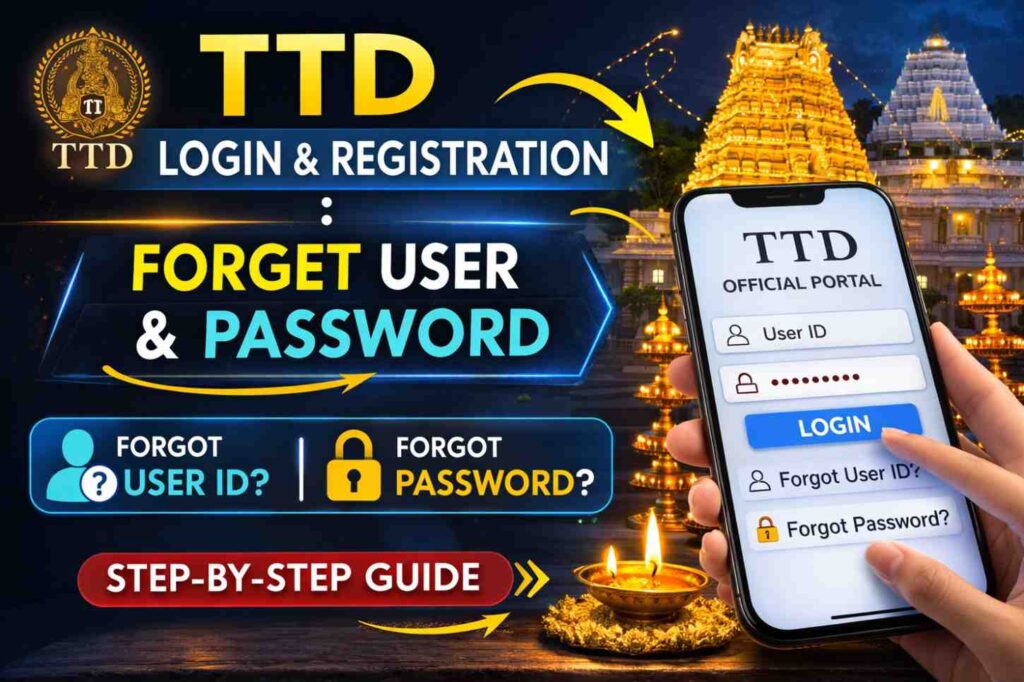
The Tirumala Tirupati Devasthanams (TTD) Online Portal is the official website where devotees can book darshan tickets, accommodation, seva tickets, and other services for Sri Venkateswara Temple at Tirumala. The portal allows users to create an account, login, and access various services like Special Entry Darshan (₹300), accommodation booking, seva tickets, Kalyana Vedika, and donations.
Overview Table TTD Login & Registration
| Category | Details |
|---|---|
| Official Website | ttdevasthanams.ap.gov.in |
| Alternative URL | ttdsevaonline.com |
| Password Recovery Page | apps.tirumala.org/frmForgotPwd.aspx |
| OTP Validity | Single use (one-time password) |
| Password Length | 8 to 15 characters |
| Password Requirements | 1 uppercase, 1 digit, 1 special character (@, #, $, *) |
| Recovery Method | Mobile OTP or Email link |
| User ID Recovery | Through registered mobile/email |
| Help Line | 0877-2263470, 8500898000, 8500085151 |
| Email Support | cdms@tirumala.org |
How to Register for TTD Online Account in 2026
To create a new TTD account for 2026 bookings, follow these steps:
- Visit the official website: ttdevasthanams.ap.gov.in or ttdsevaonline.com
- Click “Sign Up”: Find the registration option on the right side of the login page
- Select Account Type: Choose “Individual” or “Institute”
- Fill Personal Details:
- First Name and Last Name
- Mobile Number
- Date of Birth
- Gender
- Address
- ID Proof type with card number
- Email address
- Password (8-15 characters with 1 uppercase, 1 digit, 1 special character)
- Profile photo
- Click Continue: An OTP will be sent to your registered mobile number
- Enter OTP: Complete registration by entering the one-time password
- Login: Use your registered email/mobile and password to access services
How to Login to TTD Portal
To login to your TTD account:
- Visit the login page: Go to ttdevasthanams.ap.gov.in or apps.tirumala.org
- Enter Mobile Number: Type your registered mobile number in the “Enter Mobile No.” field
- Enter Password: Type your password in the “Enter Password” field
- Click Login: Press the login button to access your account
- Access Services: Once logged in, you can book darshan, accommodation, seva tickets, and more
Note: The system now uses OTP verification as an alternative to passwords for easier access.
What to Do If You Forgot Your Password
If you forgot your TTD password, follow this recovery procedure:
Method 1: Using Mobile OTP (Quick Method)
- Go to login page: Visit the TTD official website
- Click “Forgot Password”: Find this link below the login button
- Enter Mobile Number: Type your registered mobile number
- Enter Captcha: Fill the security code shown on screen
- Receive OTP: An OTP will be sent to your registered mobile/email
- Enter OTP: Type the one-time password in the verification field
- Reset Password: Create a new password (8-15 characters, 1 uppercase, 1 digit, 1 special character)
- Confirm: Re-enter the new password to confirm
- Login: Use your new password to access your account
Method 2: Using Email Link
- Click “Forgot Password” on the login page
- Enter Registered Email: Type your registered email address
- Click Continue: A password reset link will be sent to your email
- Check Email: Open your email inbox and find the TTD email
- Click Link: Click on the password reset link provided in the email
- Reset Password: Create your new password following the requirements
- Complete: Your password is now reset and you can login
What to Do If You Forgot Your User ID
If you forgot your TTD User ID or username:
- Visit the login page: Go to the TTD official website
- Click “Forgot Your Password?”: This option also helps recover User ID
- Enter Registered Mobile: Type your registered mobile number
- Continue: The system will identify your account
- Receive User ID: Your User ID will be sent via SMS to your registered mobile
- Alternative: Contact TTD help desk at 0877-2263470 with your registered mobile number and ID proof details
Password Requirements and Rules
When creating or resetting your TTD password, follow these rules: Table
| Requirement | Details |
|---|---|
| Minimum Length | 8 characters |
| Maximum Length | 15 characters |
| Uppercase Letter | At least 1 (A-Z) |
| Digit | At least 1 (0-9) |
| Special Character | At least 1 (@, #, $, *) |
| Example | Tirumala@2026 |
Important: Do not share your password with anyone. TTD never asks for your password via phone or email.
Important Contact Numbers for Help
If you face issues with login or password recovery, contact these numbers: Table
| Service | Contact Number |
|---|---|
| General Help Desk | 8500898000, 8500085151 |
| Tirumala Reception | 0877-2263470 |
| Donor Management (CDMS) | 0877-2264258 |
| Email Support | cdms@tirumala.org, dyeor2@gmail.com |
Common Login Problems and Solutions
| Problem | Solution |
|---|---|
| Forgot Password | Click “Forgot Password” and use mobile OTP or email link |
| Forgot User ID | Use registered mobile number to recover or call help desk |
| OTP Not Received | Check mobile network, wait 2 minutes, or click “Resend OTP” |
| Account Locked | Wait 30 minutes or contact help desk at 0877-2263470 |
| Invalid Password | Ensure you’re using 8-15 characters with required combinations |
| Website Not Loading | Try alternative URL: ttdsevaonline.com |
| Mobile Number Changed | Visit TTD office in person with ID proof to update |
New Features for 2026: OTP-Based Login
In 2026, TTD has introduced a new OTP-based login system that eliminates the need to remember complex passwords:
- No Password Required: The system sends a one-time password (OTP) to your registered mobile number
- Secure: Each OTP is valid for single use only
- Convenient: No need to remember or reset passwords
- Quick: Instant access without password typing
To use this feature, simply enter your mobile number on the login page and request OTP instead of entering a password.
Tips for Managing Your TTD Account
Here are helpful tips for managing your TTD login and password:
- Save Password Securely: Write down your password in a safe place or use a password manager
- Use Strong Password: Create a password with mix of letters, numbers, and special characters
- Update Mobile Number: Keep your registered mobile number active to receive OTPs
- Don’t Share Credentials: Never share your User ID or password with anyone
- Log Out Properly: Always click “Logout” when finished, especially on shared computers
- Check Email Regularly: TTD sends important updates to your registered email
- Book in Advance: Login 90-120 days before your planned visit to book seva tickets
- Verify Website: Always use official websites: ttdevasthanams.ap.gov.in or ttdsevaonline.com
- Enable SMS Alerts: This helps you receive booking confirmations and OTPs quickly
- Contact Immediately: If you suspect unauthorized access, call 0877-2263470 immediately